Publish a page
claude-artifacts create dashboard.html --title "Launch dashboard"
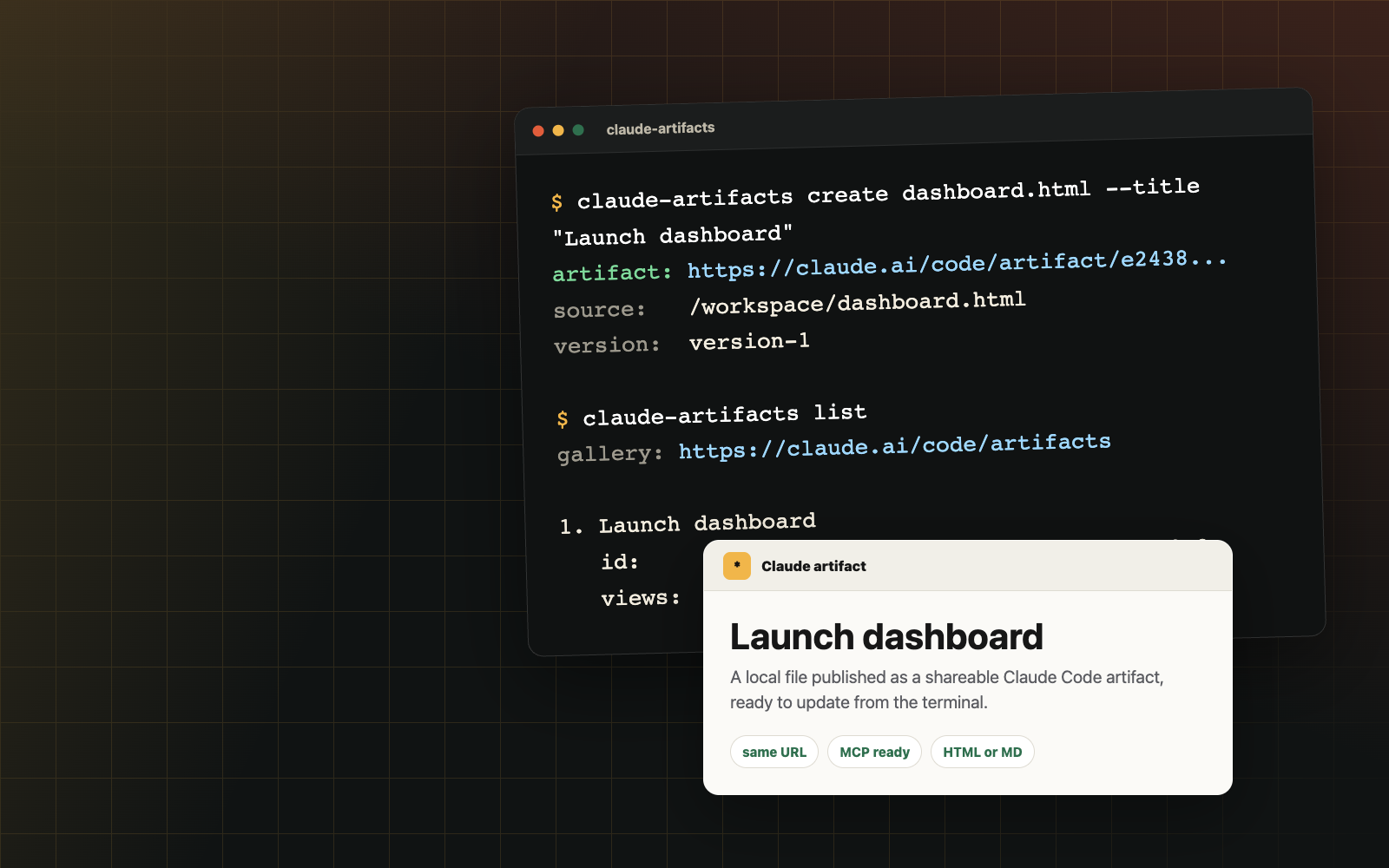
Claude Code Artifacts CLI
Create and update artifacts from HTML, Markdown, YAML, CSV, JSON, and source files. Keep one Claude URL as you iterate, with MCP tools for coding agents.
npm install -g claude-artifacts
Fast path
claude-artifacts create dashboard.html --title "Launch dashboard"
claude-artifacts create metrics.csv --title "Metrics export"
claude-artifacts update <id> config.yaml --title "Runtime config"
Why it exists
Uses a separate Claude login, with an option to reuse Claude Code.
Publishes static websites with multiple pages and assets.
Renders Markdown and data files, with optional organization sharing.
Ships prefixed MCP tools for Claude Code, Codex, Cursor, and other agents.
MCP
Run the MCP stdio server with `npx`, then expose prefixed tools to Claude Code, Codex, Cursor, or any MCP-capable coding agent.
npx -y --package claude-artifacts claude-artifacts-mcp